
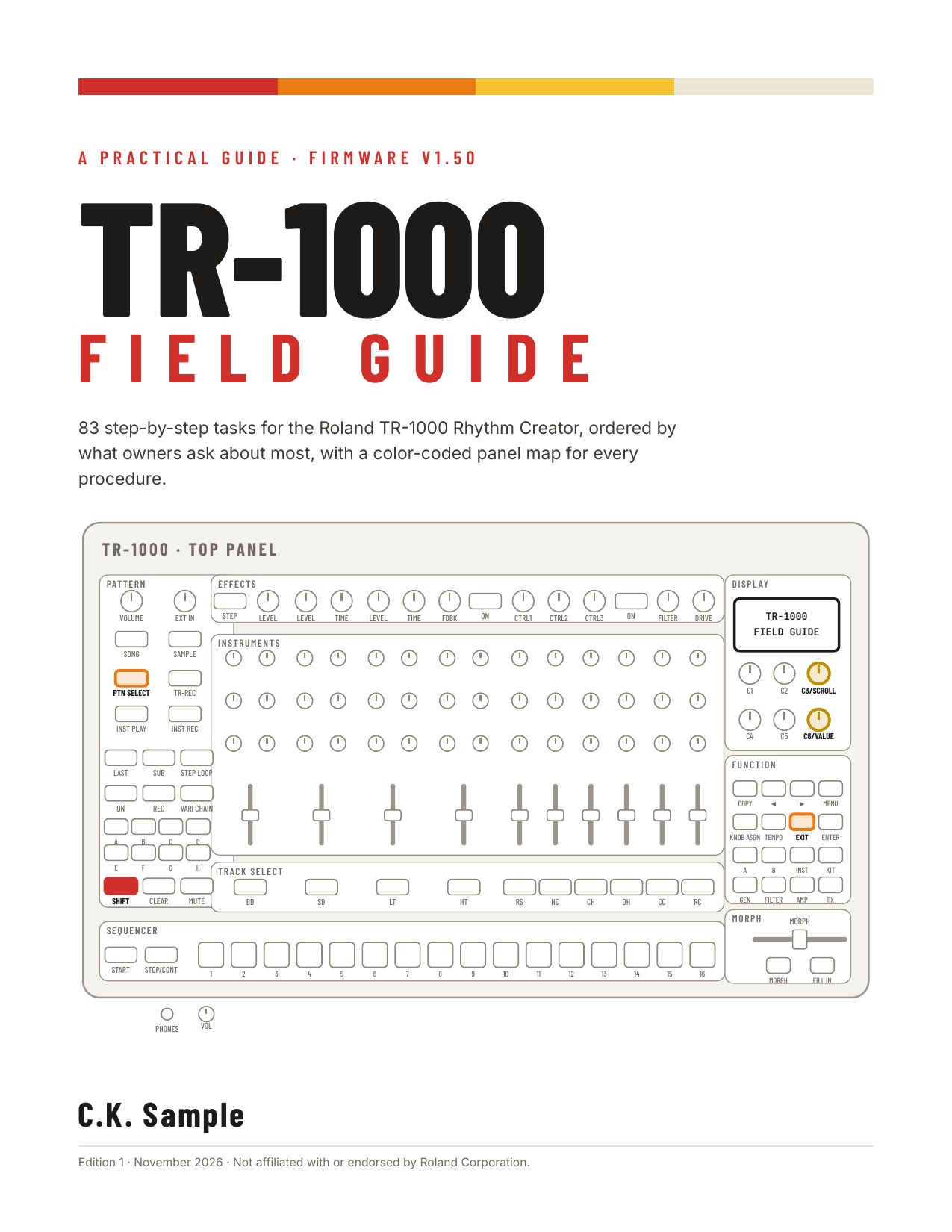
The TR-1000 Assistant is great when you know what to search for. The TR-1000 Field Guide is for the times you’d rather have the answer sitting next to the machine: a printable, step-by-step guide to the Roland TR-1000, plus a two-page cheat sheet.

What’s in it
- 83 tasks covering all 136 curated how-tos from the Assistant, in nine chapters: Essentials, Sync/MIDI and Connections, Sampling, Projects/Patterns/Kits, Live Performance, Programming Patterns, Motion and Knobs, Sound Design and Effects, and Song Mode.
- Chapters are ordered by what TR-1000 owners ask about most, based on forum threads, Roland and dealer support articles, and reviews. MIDI sync and latency come first; sample levels and the kit-change audio gap aren’t far behind.
- Each task has an overview, what you need first, one action per step with the result you should see, and the Roland manual pages it’s based on.
- A contents page, a “most-asked tasks” page, cross-references with page numbers, a shortcut appendix and an index.
- A two-page cheat sheet for the front and back of one sheet of paper: the top fixes, shortcuts, step-edit knobs, play modes, routing, the MIDI note and CC map, and a menu map.
- Everything in US Letter and A4 ready to print.

Checked against the v1.50 manuals
Every procedure was checked against Roland’s v1.50 Reference Manual, Owner’s Manual, MIDI Implementation Chart, TR-1000 APP manual and release notes. Anything that only shows up in a Roland video or in owner reports is labeled that way.
TR-1000 Assistant v1.1.5 is live on the web and as a desktop download, with all 136 how-tos rewritten from the verified guide text.
Get it
The Field Guide and Cheat Sheet are one download: four PDFs, delivered right after checkout. The launch price is $14 through December 5, then $19.
The TR-1000 Assistant stays free.
The TR-1000 Field Guide is an independent publication and is not affiliated with or endorsed by Roland Corporation.


Leave a Reply